Branding & Theming Features

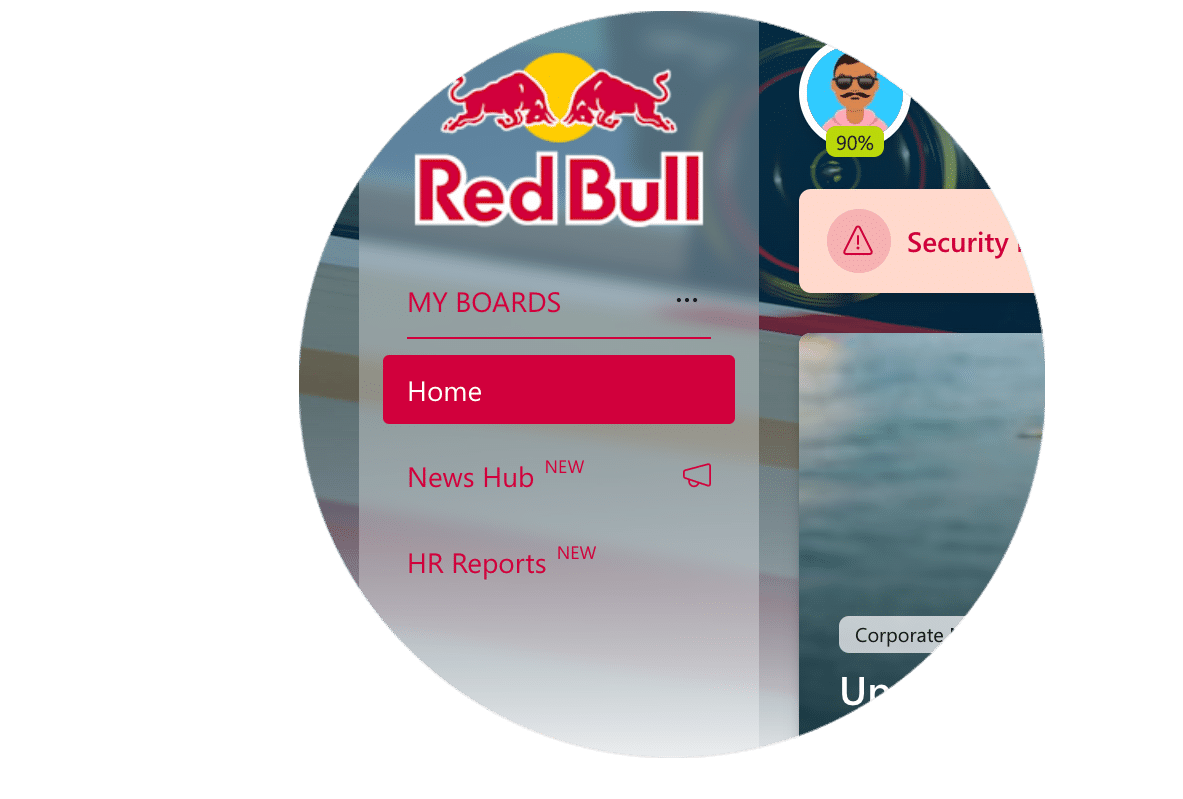
Your digital workspace should look and feel like part of your organization—not like a generic tool. With Ichicraft Boards, you’re in full control of the branding, from logos and colors to layout, backgrounds, and navigation. Whether you’re managing one brand or several, everything can be fine-tuned to match your identity—down to the last pixel.

Your brand. Your rules.

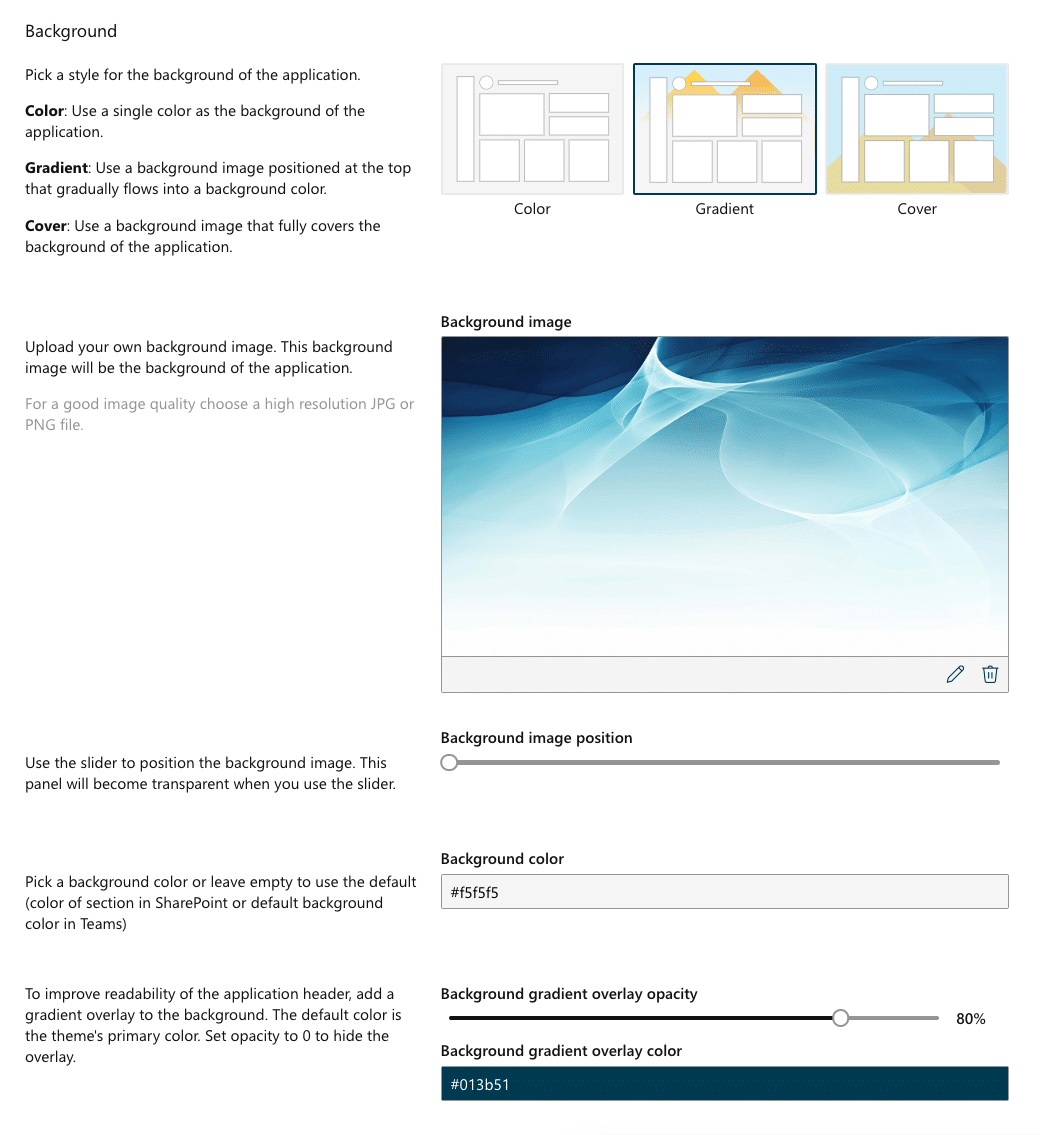
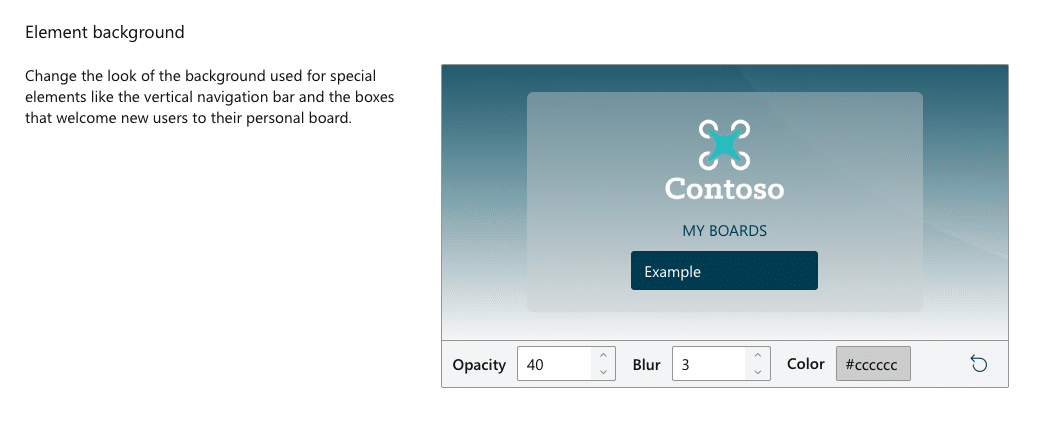
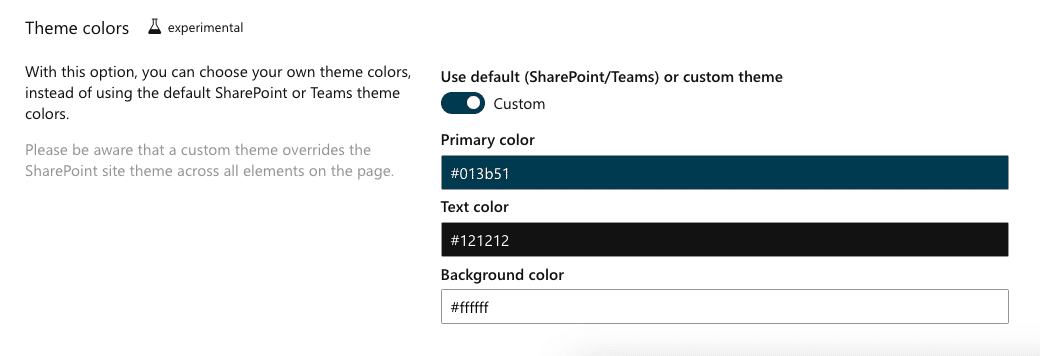
Start with the basics: add your logo, apply your brand colors, and choose the right background—whether it’s a solid color, gradient, or a full image. Want to match your corporate identity perfectly? You can.

You can also define how users navigate. Choose a horizontal or vertical navigation layout, depending on what suits your brand and structure best. And for even more flexibility, adjust the border radius to make corners sharp or rounded—whatever fits your design style.

One platform. Multiple looks.

Different teams, regions, or brands? No problem. Create and manage multiple themes, each with its own logo, color palette, background, and layout. Every group can have a workspace that looks and feels like their own.

Manage it all with configuration packages

Configuration packages are your toolset for rolling out consistent experiences. In addition to assigning themes, they let you define default boards, add buddies, connect a search widget, and even control whether users can set their own start board. It’s a flexible way to deliver the right setup to the right people—automatically.

Make it feel like home

The new theming feature introduces the ability to add multiple background options. Users can now select their preferred background from a predefined set, giving them a more personalized and engaging workspace. Whether it’s a gradient, a branded image, or a solid color, backgrounds can now enhance the visual appeal of the platform while still keeping the focus on functionality.

Colors that work harder

Define key colors once using smart color slots, and reuse them across themes. Need to tweak just one theme? You can. And with the built-in live preview, you’ll see exactly what your users will experience—before you hit publish.

CSS overrides

For administrators looking to push customization even further, Ichicraft Boards offers the ability to add custom (and supported!) CSS overrides. This feature allows you to modify your installation of Ichicraft Boards beyond the regular options provided in the interface.

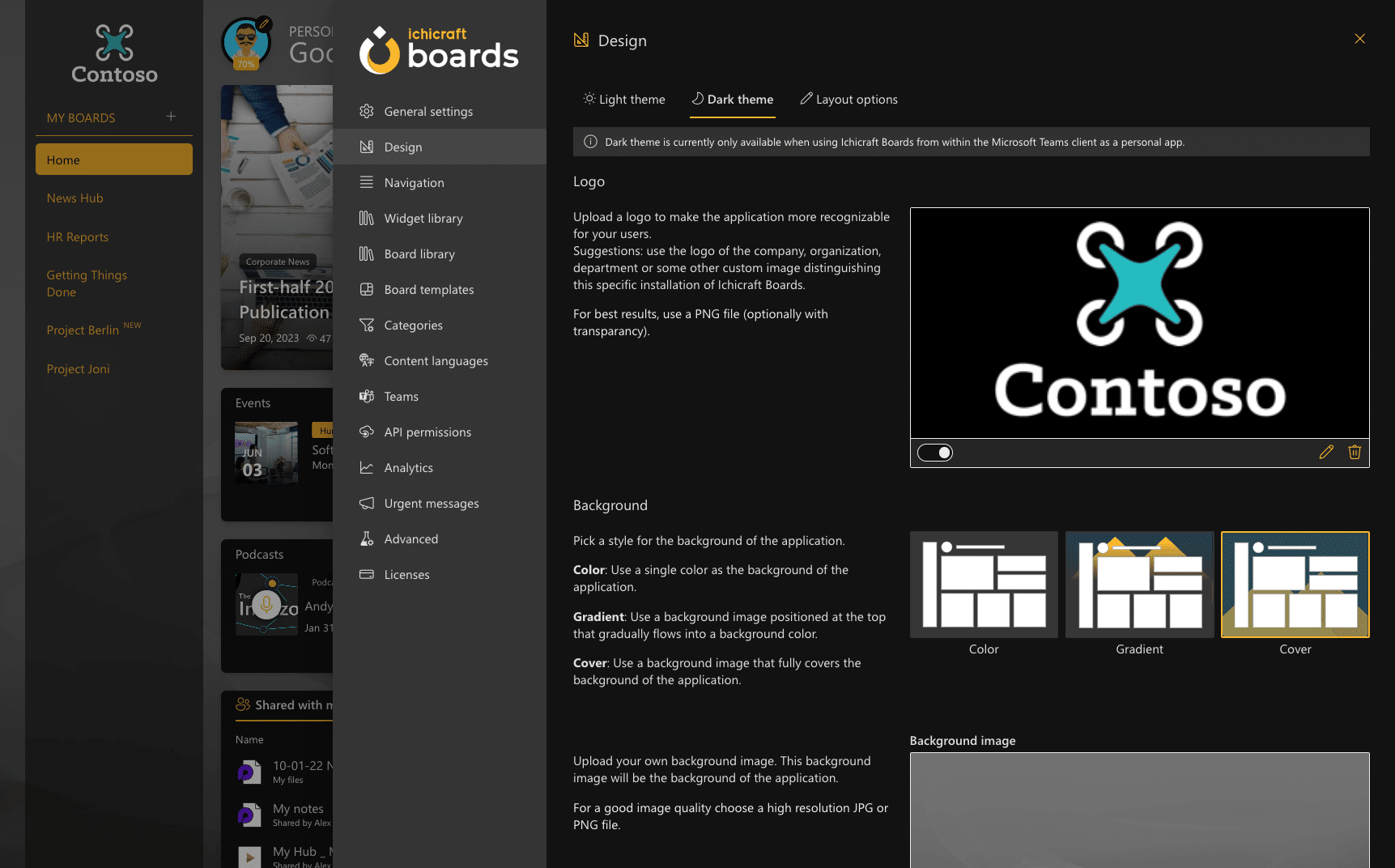
Not afraid of the dark?

Empower your organization to define the look and feel of the application in dark mode. Admins customize logos, backgrounds, and theme colors to  match your corporate style. This ensures user experience remains consistent, regardless of their preferred mode (light or dark).

Offer users the flexibility they crave while maintaining a brand-aligned environment.

Bring your brand to life—down to the last detail

With Ichicraft Boards, branding isn’t just a setting—it’s part of the experience. From logos and layouts to colors, backgrounds, and board templates, everything is crafted to reflect who you are as an organization. Whether you’re supporting multiple departments or just want things to look sharp and on-brand, our flexible theming engine gives you the control to make every workspace feel just right.

It’s your digital workplace. Make it look like it belongs.

Start a 30-day free trial

Set up a demo with our team or start your 30-day trial to discover how it can change your digital workplace.